
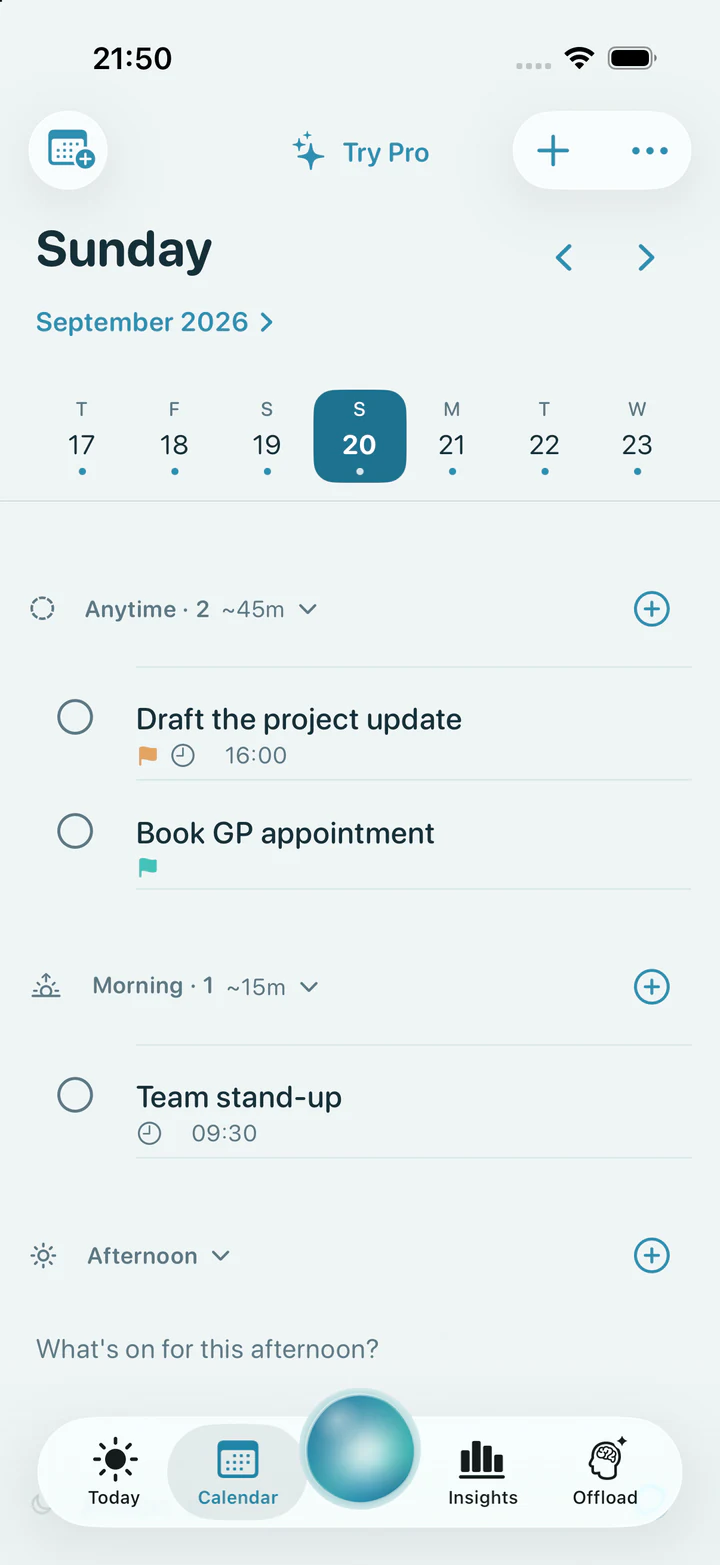
Calendar
Shape a day around the time you have.
Use Morning, Afternoon, Evening or Anytime without turning a missed slot into a failure.
Meet Reset
Get tasks out of your head, work out what matters and stay with one thing. Choose the kind of help you need.
01 / Task planning
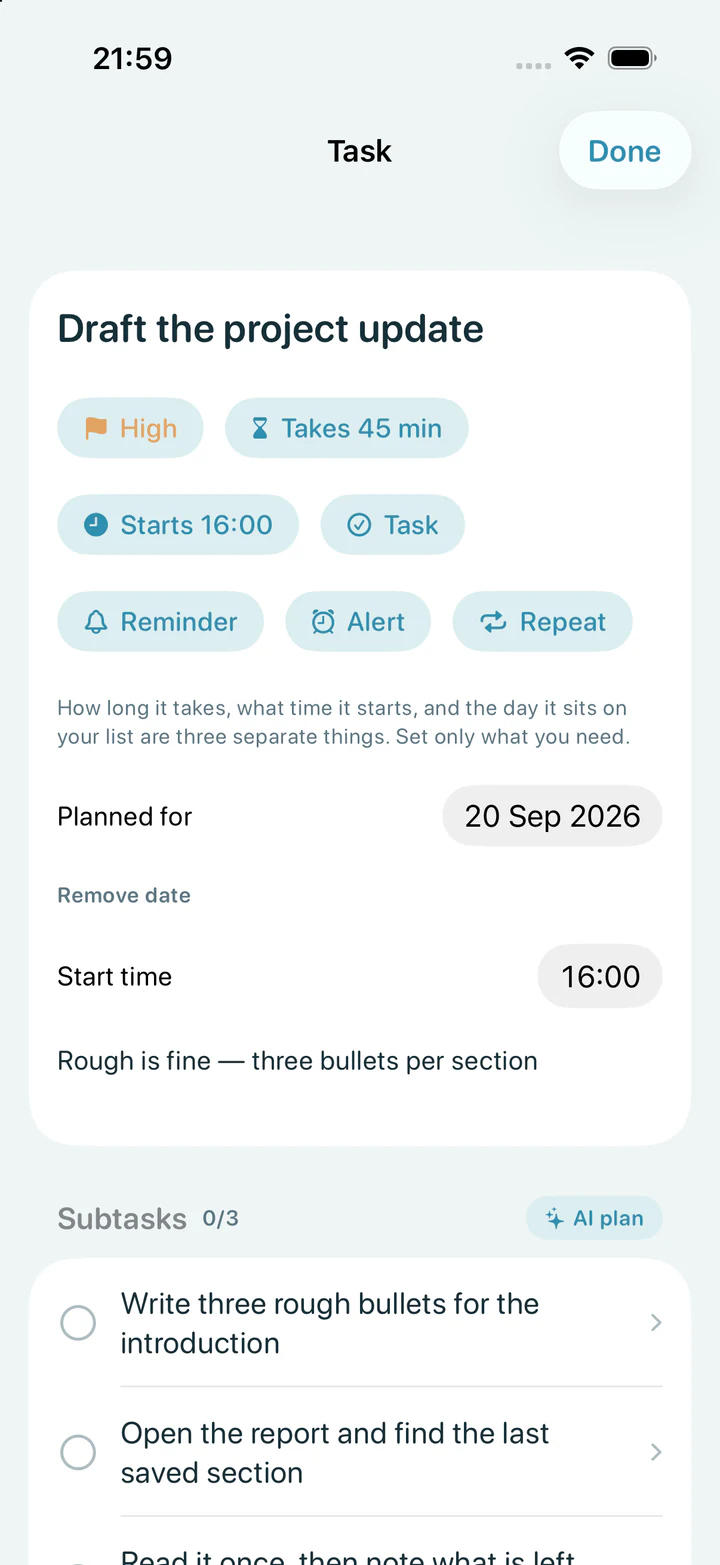
Build the task around what you actually need. Add a day, time or priority only when it helps.
Ask Reset for a few practical next steps, then edit them until they sound like something you would really do.
How long it takes, when it starts and which day it appears can stay separate. Set only what you know.
The plan belongs to you. Edit the wording, change the order or remove a step that does not fit.
02 / Offload
Speak or type the unfiltered version. Reset turns it into clear tasks, dates and smaller actions for you to review.
Use your own words. You do not need to make the thought tidy before you say it.
Reset can notice when something needs doing and when a bigger task contains a few smaller jobs.
Nothing goes into your planner until you choose it. Edit, untick or leave out anything that does not feel right.
03 / AI Sort
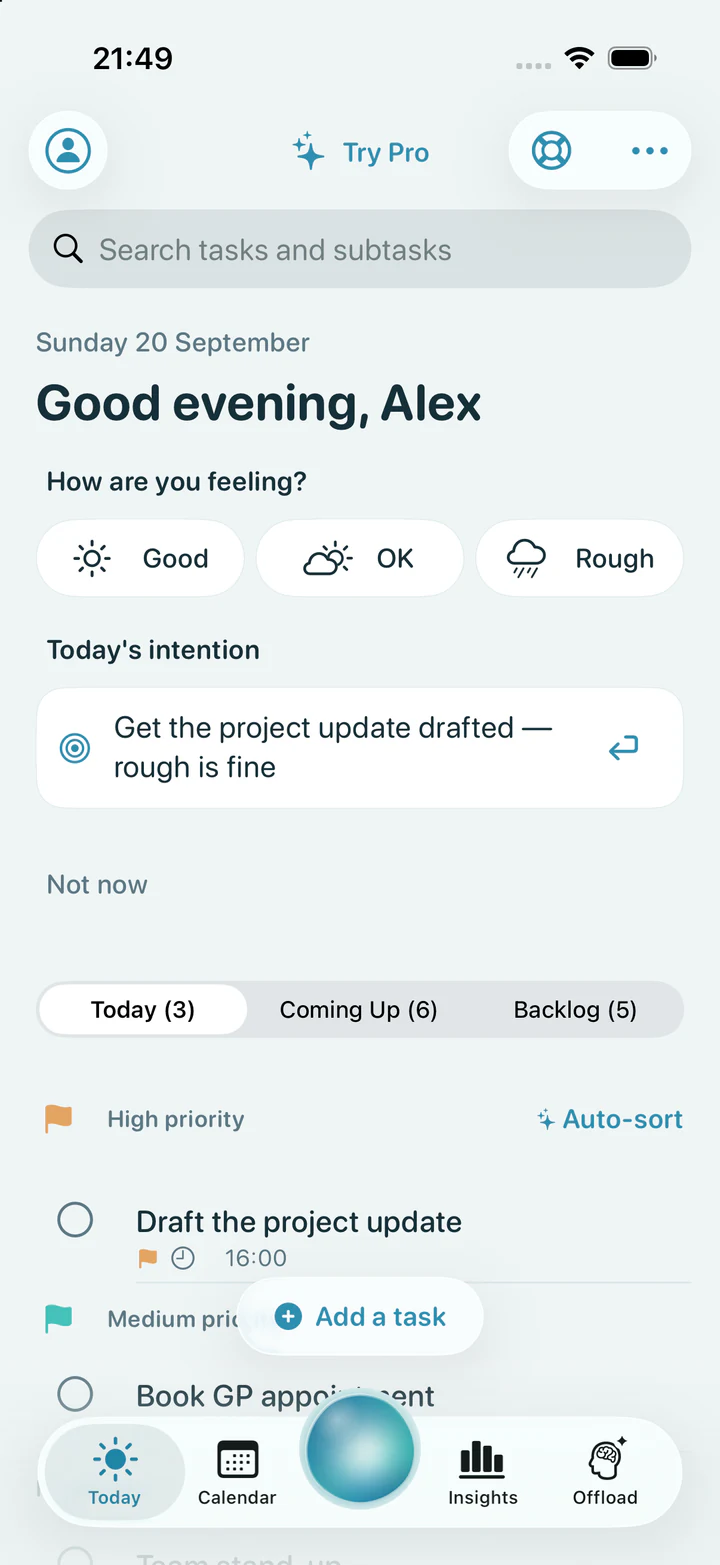
AI Sort looks at priority, timing and what is coming up, then brings the most useful next task forward.
Turn a long list into a calmer order without dragging every task around yourself.
Reset keeps the practical details close, so the order still makes sense when your day changes.
AI Sort is a suggestion, not a command. Move anything whenever another order works better for you.
04 / Focus Companion
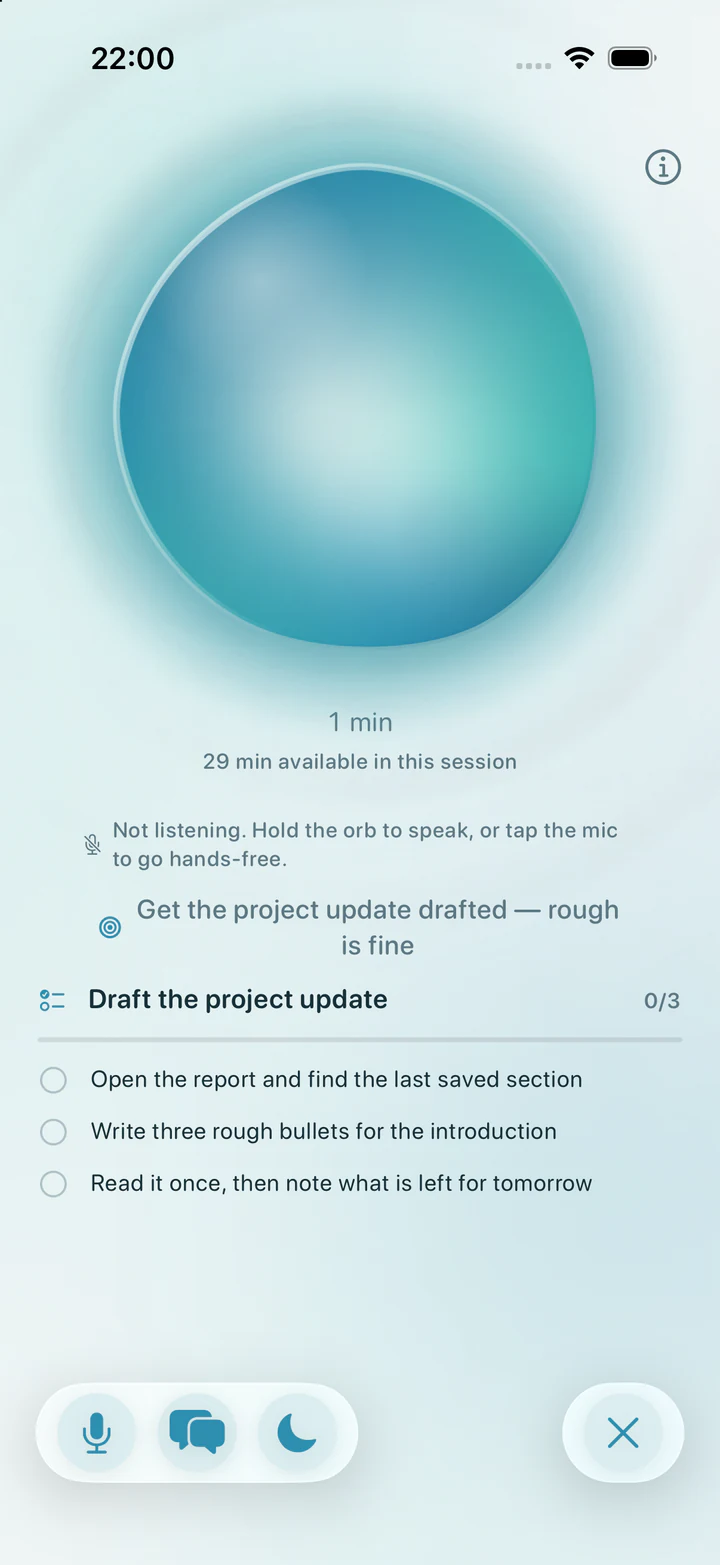
Inspired by body doubling. Reset keeps one task and its next step nearby, with a gentle response when you ask for help.
Pick a task, set a simple intention and let the rest of your list wait.
Use voice or text for a practical nudge. The companion is there when you want it, not constantly interrupting.
Done, partly done or paused for now can all be honest endings. Showing up still counts.
More than one way in
Plan the day, begin gently, notice what helped and come back without having to start from scratch.
Calendar
Use Morning, Afternoon, Evening or Anytime without turning a missed slot into a failure.
Daily intention
Write what would make today feel worthwhile and add one first step if that helps.
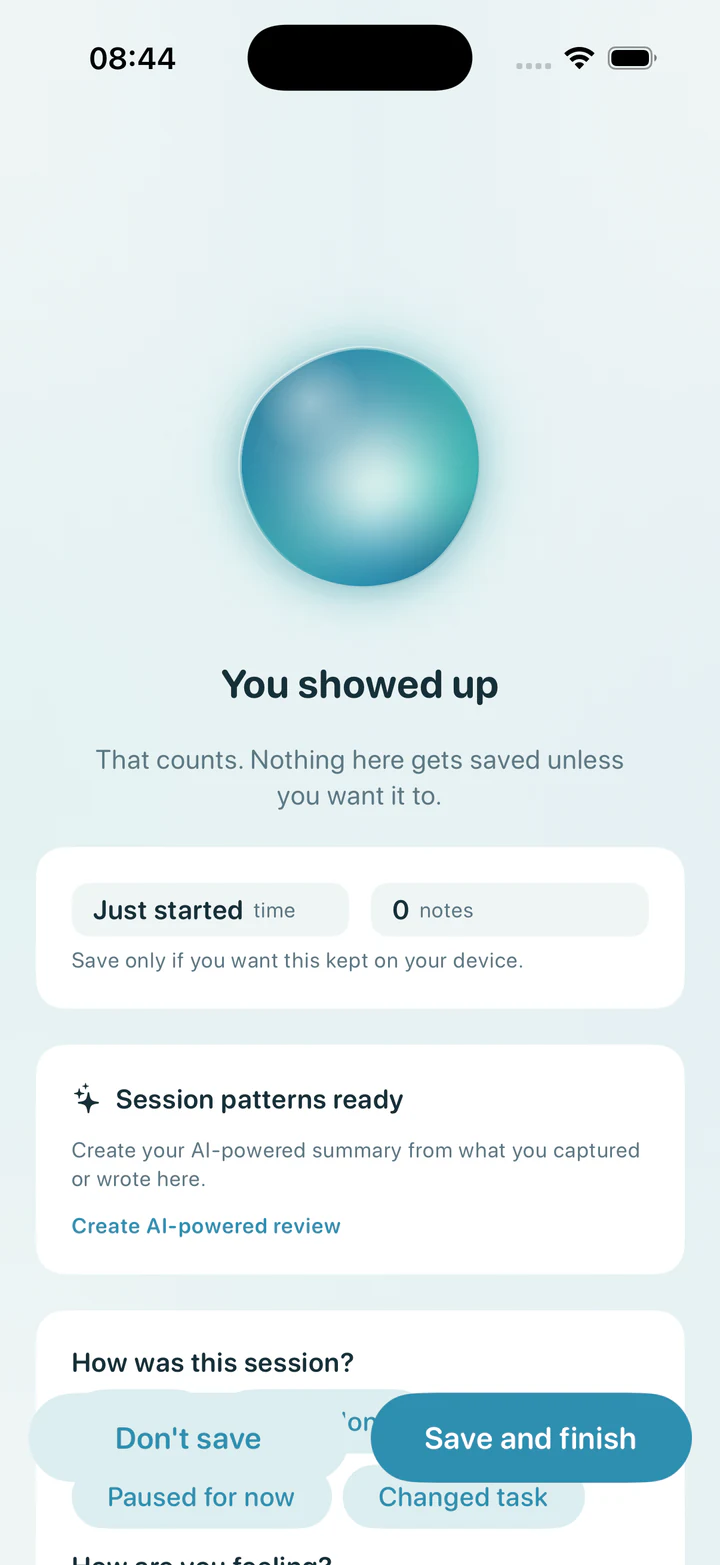
Session review
Keep what you want from a session, note how it felt and leave the rest. Raw transcripts are not shown in Insights.
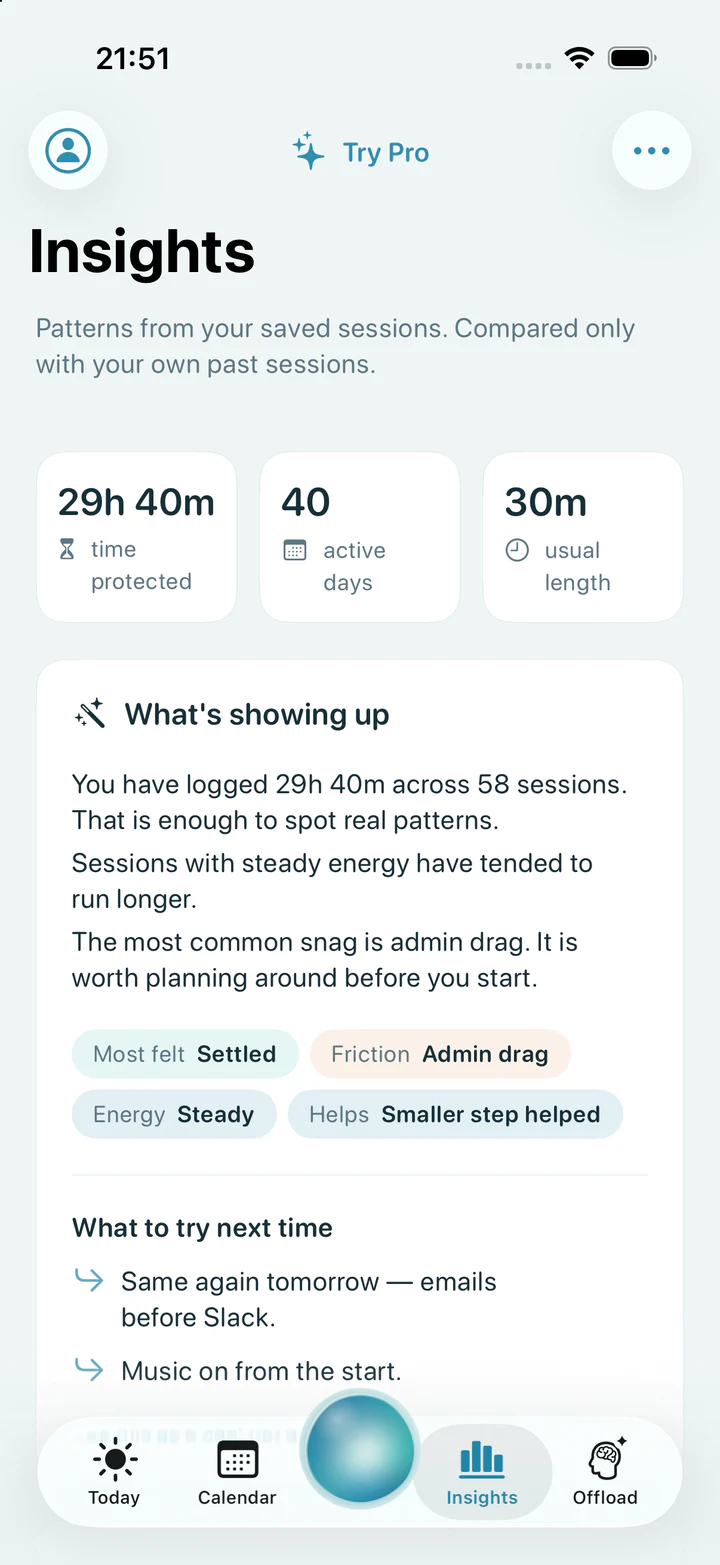
Insights
See what has helped in your own saved sessions, then decide whether any of it is useful next time.
Built around you
Start with Reset for free, or explore how lived experience and research shaped the app.